Choosing the right XXL mouse pad dimensions matters more than people assume. Too small and your wrist and arm will keep leaving the pad, causing inconsistent mouse control. Too big and it can drape awkwardly, take up useful desk real estate, or catch on drawers. A properly sized desk mat improves ergonomics, looks tidy, and gives you consistent mouse control whether you’re working on spreadsheets, photo edits, or gaming.
What is an XXL mouse pad? Quick definition
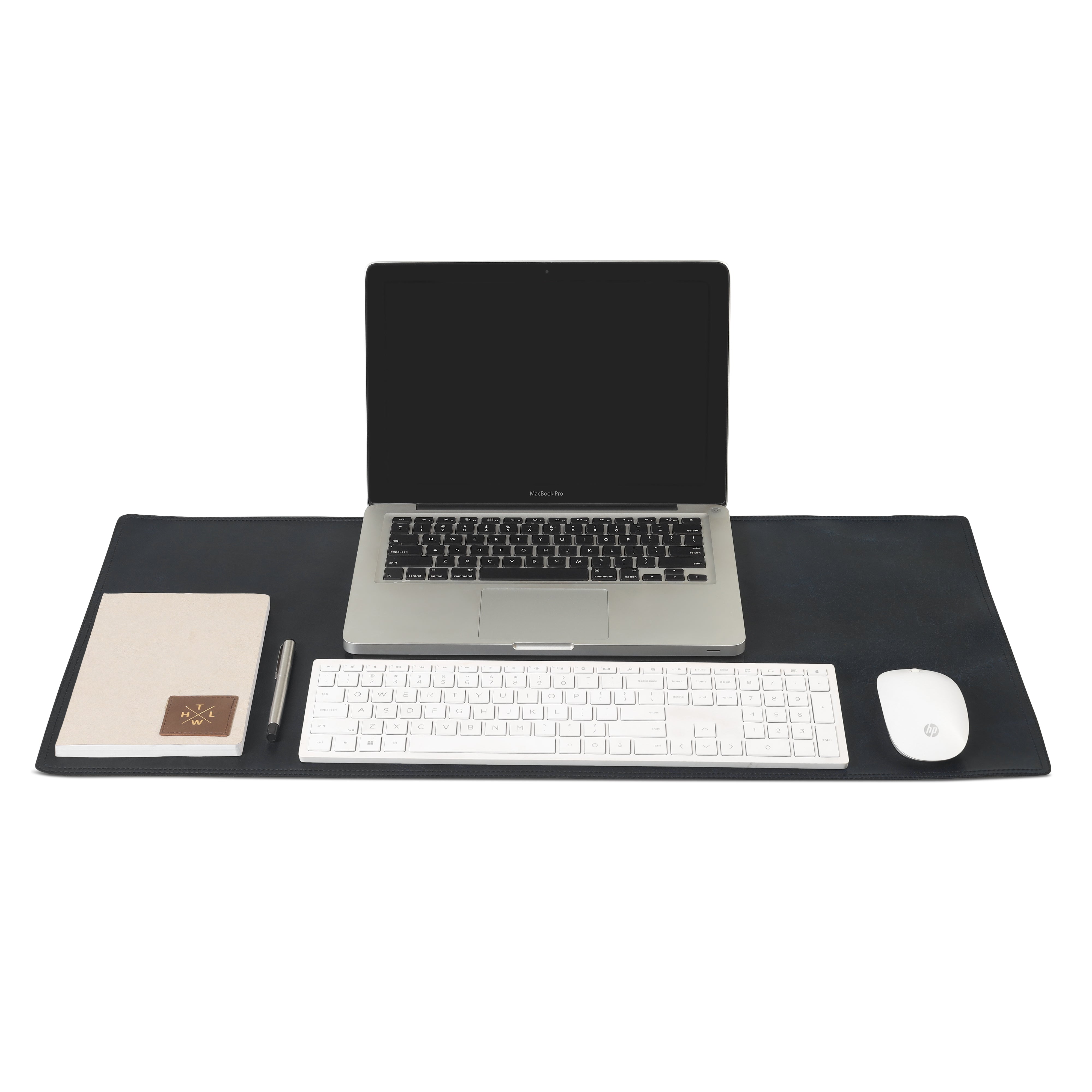
An XXL mouse pad is a large desk mat designed to hold both keyboard and mouse or provide a wide, uninterrupted surface for sweeping mouse movements. These mats come in many sizes - from large rectangular desk mats to extra-extra-large (xxxxl) variants - and are often used on gaming desks, home offices, and professional workstations.
XXL vs XXXXL: what’s the difference
-
XXL mouse pad typically covers keyboard and mouse area; common sizes are around 800mm × 300–400mm (31–32in × 12–16in) up to 900mm × 400mm.
-
XXXXL mouse pad (or custom extra-large) can cover nearly the entire desk surface - think 1200mm and above in width. Choose based on desk size and how much you want to cover.
Tools you’ll need to measure your desk accurately
Before starting, gather:
-
A tape measure or long ruler
-
A notepad or phone notes to record numbers
-
A marker to mark edges lightly (optional)
-
A cloth or brush to clean the surface so measurements are not obstructed
Clear the area and plan your mouse zone
Empty the top of your desk where you plan to put the pad. Remove mugs, papers, and any gear. This helps you see the true usable space. Ask yourself: do I want the mat under my keyboard, or just under the mouse? Do I use a monitor stand that lifts the monitor and creates usable space beneath?
How much desk space do you actually use?
Watch your usual motion for a few minutes. Do you move the mouse in wide arcs (as in gaming) or small controlled moves (as in office work)? Gaming requires wider surface area; office use can be satisfied with slightly smaller sizes.
Measure desk width (left to right)
Measure the full usable width of the desk where the mat would sit. Start from the leftmost point you’re willing to use for the mat to the rightmost. If you want the mat to align with desk edges, measure the entire desk width. If you prefer the mat centered, measure the central space.
Measuring around obstacles
If your desk has a raised monitor shelf, cable grommet, or a drawer that limits the mat width, measure the space between those obstacles rather than the full desk edge to edge.
Measure desk depth (front to back)
Measure from the front edge of the desk to the point where the monitor base or wall blocks the mat. For keyboard+mouse placement, ensure the mat depth allows you to rest your wrists comfortably in front of the keyboard. Depth varies with keyboard style - slim keyboards need less depth than mechanical ones with wrist rests.
Decide on mouse pad placement and margin
Decide how much margin you want around the mat. Some users like a 1–2 inch margin from the desk edge; others prefer edge-to-edge coverage. Consider whether the mat should go under the keyboard (full desk mat) or sit only where the mouse moves.
Common placements (keyboard + mouse, mouse only, full-desk)
-
Keyboard + mouse: Useful for unified aesthetics and protecting desk surface.
-
Mouse only: Saves space and is easier to slide or clean.
-
Full-desk mat: Best for cable management and uniform look; often chosen by gamers.
Translate desk measurements to XXL mouse pad dimensions
Now convert your desk numbers into mouse pad selection.
-
If your desk width is 1200 mm and depth at usable area is 600 mm, you might choose a mat close to those dimensions if you want full coverage.
-
For most setups, the following guidelines work well:
-
Small desks / mouse-only: 400–600 mm width, 300–350 mm depth.
-
Keyboard + mouse (XXL): 800–900 mm width, 300–400 mm depth.
-
Full-desk / XXXXL: 1000 mm+ width, 400–600 mm depth.
Recommended standard sizes and when to pick them
-
800 × 300–350 mm: Fits most keyboards and standard mouse space; good for office desks.
-
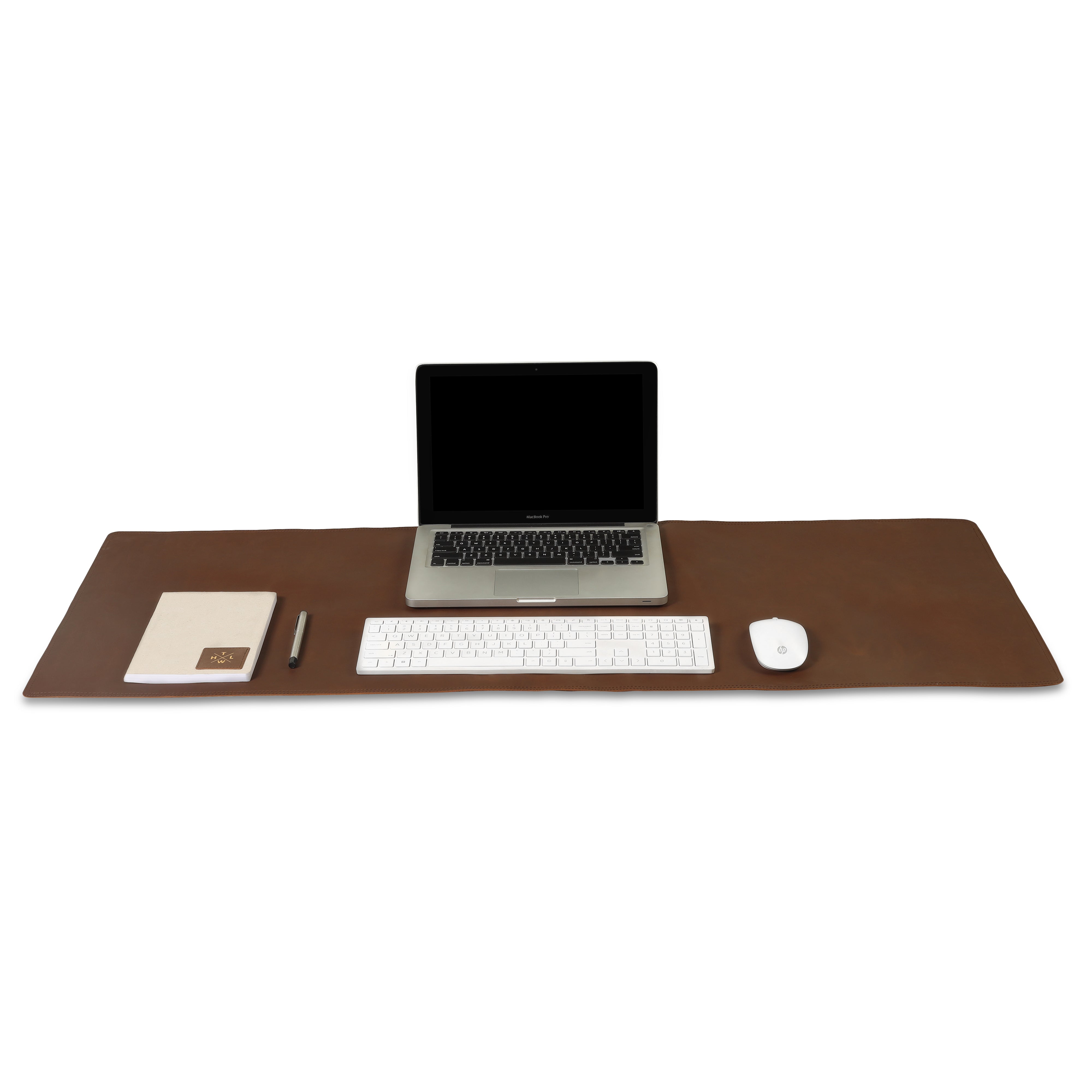
900 × 400 mm: Popular XXL size for gamers and mixed-use desks.
-
1000–1200 × 400–600 mm: For larger desks or users wanting full coverage.
Use the term XXL mouse pad dimensions when searching product pages or asking a seller to confirm size.
Account for keyboard, monitor stands, and other gear
Remember to measure with the keyboard and monitor stand in place. If your monitor base or a desk lamp sits on the desk, measure around or include those items in planning. Keyboard height and whether you use a wrist rest changes the comfortable distance between keyboard and monitor - factor that in.
Material choices that change how size feels (cloth, rubber, leather)
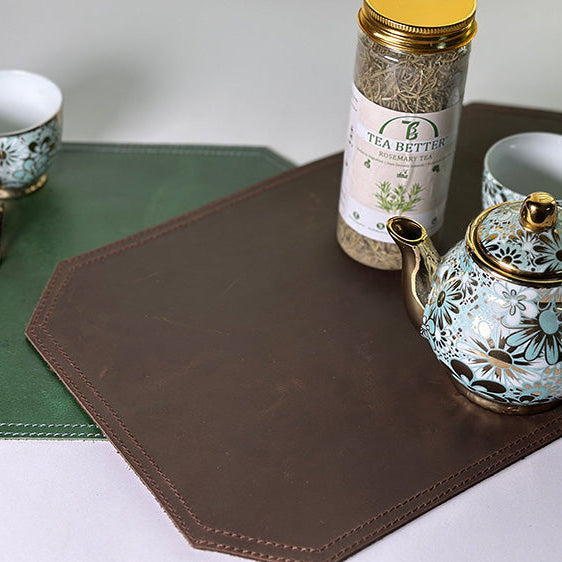
Material matters as much as size. Cloth surfaces are flexible and low friction; rubber undersides prevent slipping. Leather desk mats look premium and age well, but they may feel firmer and need precise sizing since leather won’t bunch like cloth. If you prefer a luxe look, a leather desk mat may be worth it - The Leather Warehouse offers leather desk mat options that fit many setups.
Personalisation and custom desk mats: what to consider
Personalised xxl mouse pad or custom desk mat options let you get exact measurements, logos, names, or print designs. When ordering personalized or custom desk mat:
-
Provide exact measurements (width × depth).
-
Confirm printing area and margins.
-
Check turnaround time and returns policy.
If you want to find a personalised desk mat locally, search for “xxl mouse pad nearby 2025” or “xxxxl mouse pad nearby 2026” to check current local listings.
Where to buy: local options and online stores
You can shop local stores that sell gaming accessories or search online for keywords like xxl mouse pad, gaming desk mat, desk mat India, or office desk mat. For custom or premium leather options, some specialist sellers and brands provide bespoke sizing. If you prefer a branded leather mat, The Leather Warehouse is one option to consider for well-made desk mats.
Quick checklist before ordering
-
Measure width and depth precisely; record in mm and inches.
-
Decide placement: under keyboard or mouse-only.
-
Choose material: cloth, rubber, or leather.
-
Leave at least 1–2 cm margin for movement and manufacturing tolerance.
-
Confirm dimensions with seller and check return policy.
-
If choosing personalised xxl mouse pad, upload artwork at recommended resolution.
Care and maintenance for long-life of your desk mat
-
Cloth: Wash or spot-clean; avoid harsh detergents.
-
Rubber base: Keep dry and clean to prevent mildew.
-
Leather: Wipe with damp cloth and occasionally apply leather conditioner to prevent drying and keep it supple.
Proper care keeps your mat looking new and retains consistent mouse tracking.
Troubleshooting common sizing problems
-
Mat too small: Check returns; consider custom or next larger size.
-
Mat too large and hangs over: Trim if the material allows (not recommended for leather) or exchange for smaller size.
-
Edges curl or lift: Weigh down edges for a few days, or use double-sided tape if the seller allows; ensure the mat was stored flat.
Final tips: make the right choice for work and play
-
If you switch between gaming and office work, choose a mat that fits your widest routine - comfortable mouse sweeps beat squished movements.
-
When in doubt, pick a slightly larger XXL size and allow a small margin - you can always tuck extra under a monitor stand or pull it forward.
-
Use keywords like xxl gaming mouse pad, desk mat, laptop mat for desk, and personalised desk mat when searching to find the best match.
Need quick help? Tell us about the person you’re gifting it to, and we’ll match them with the ideal xxl mouse pad dimensions.
WhatsApp: Click to Chat
Conclusion
Measuring your desk for the perfect XXL mouse pad dimensions is a small task that pays big dividends in comfort and control. Clear the area, measure carefully, think about placement, and pick a size that matches your workflow. Whether you want a gaming desk mat or an elegant leather desk mat for the office, the right dimensions make the difference between a mat that fits and one that frustrates. Use your measurements to compare standard sizes or to order a personalised xxl mouse pad for a perfect fit.
FAQs
Q1: How do I know if I need an XXL or XXXXL mouse pad?
If you want the pad under both keyboard and mouse, pick XXL sizes (around 800–900 mm width). If you want full-desk coverage, go for XXXXL (1000 mm+). Measure your usable desk width and depth first.
Q2: Can I use a leather desk mat with a high-DPI gaming mouse?
Yes. Leather desk mats work fine with most sensors. Surface texture affects feel — cloth often gives smoother glide while leather gives a firmer feel. Test if possible or check seller specs.
Q3: What’s the best way to measure the desk if I have a monitor arm or stand?
Measure the usable surface between the front edge and the back obstruction (monitor base or wall). If using a monitor arm that frees up space, you may have more depth to use.
Q4: Are personalised XXL mouse pads worth the extra cost?
If you need exact sizing, a custom design, or want branding/personal text, personalised mats are worth it. They let you match desk layout perfectly and get the look you want.
Q5: How much margin should I leave between the mat and desk edges?
A 1–2 cm (about 0.4–0.8 inches) margin is typical for a clean look and to prevent overhang. For full-desk mats, you can align edge-to-edge but allow a small tolerance for manufacturing variance.